

Seamless Asset Selection & Integration
Manage assets within CMS/DXP
Centralize Assets, Accelerate Performance. The Gladtek Bynder-Jahia Integration Guide.
Popular:
Explore our official integration & marketplace listing
Find more details on the GladTek website or visit our official app on the Bynder Marketplace.
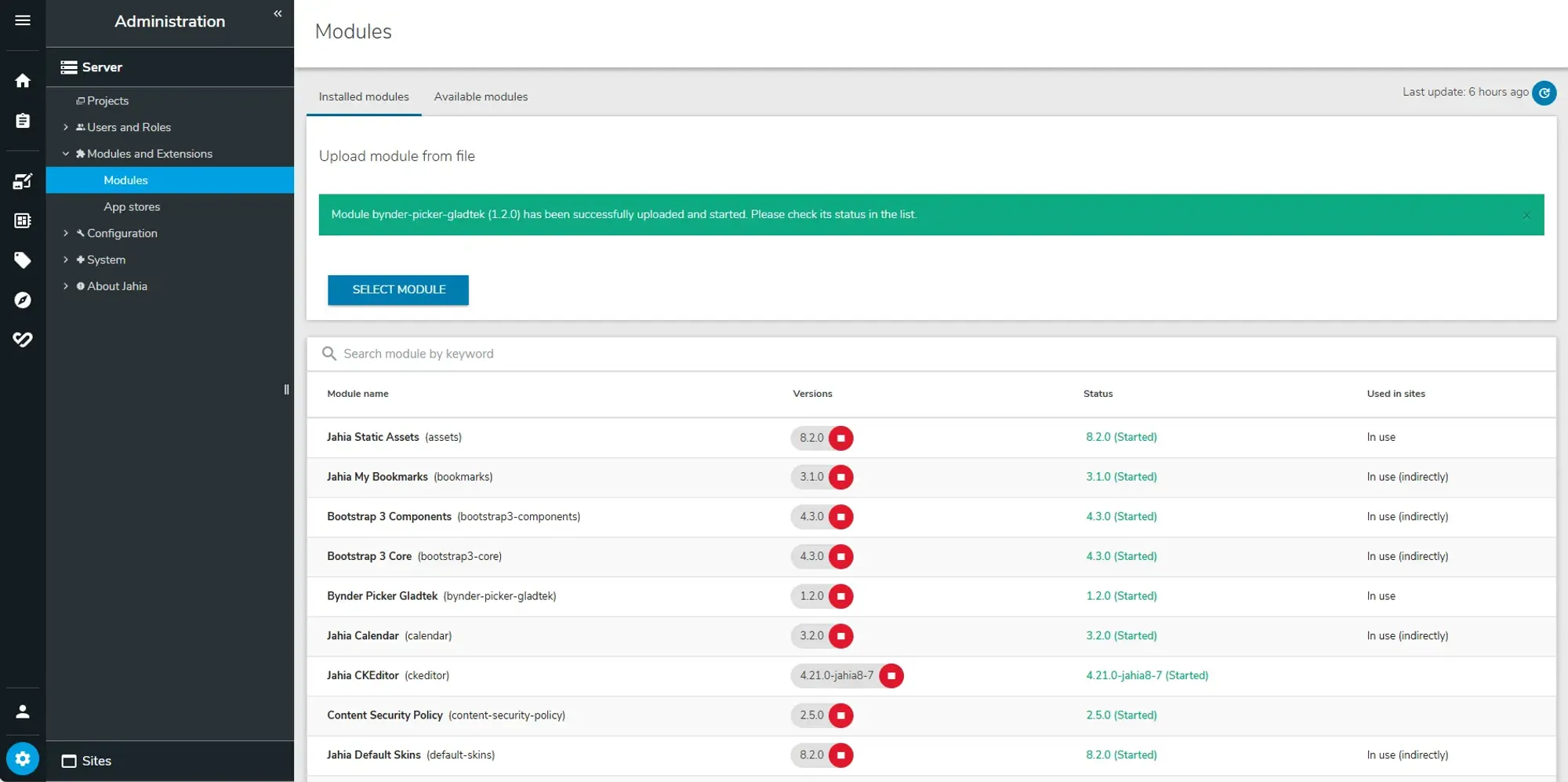
Get started quickly in just 3 simple steps
A fast and frustration-free way to set up your Bynder integration into Jahia CMS/DXP.
Powerful features for documentations
Explore the modules main Features.
Dynamic Asset Transformation (DAT)
Powerful search
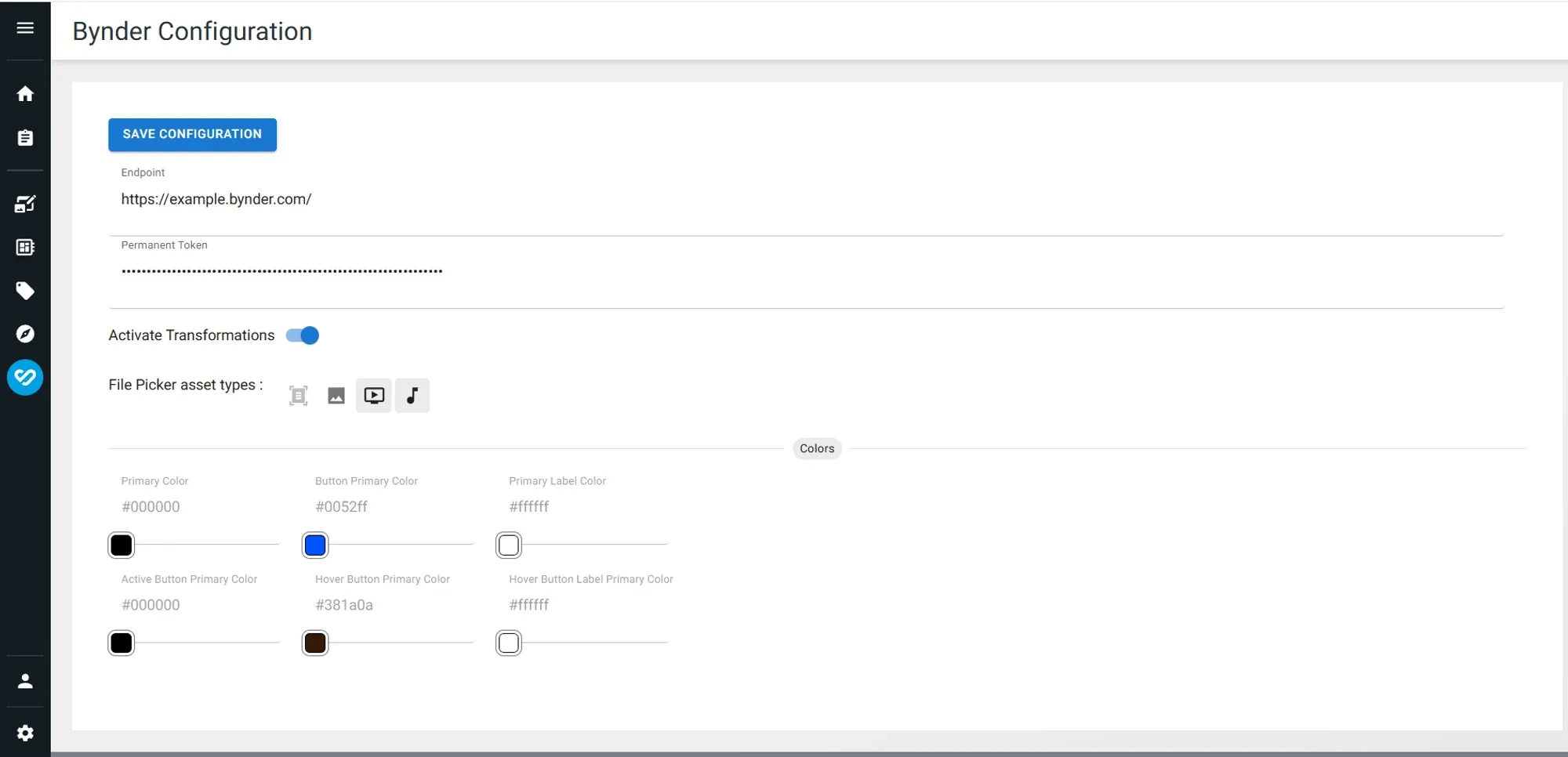
Configuration and Customization
Feature topics for our documentation
Explore our featured topics and get an idea of our capabilities.

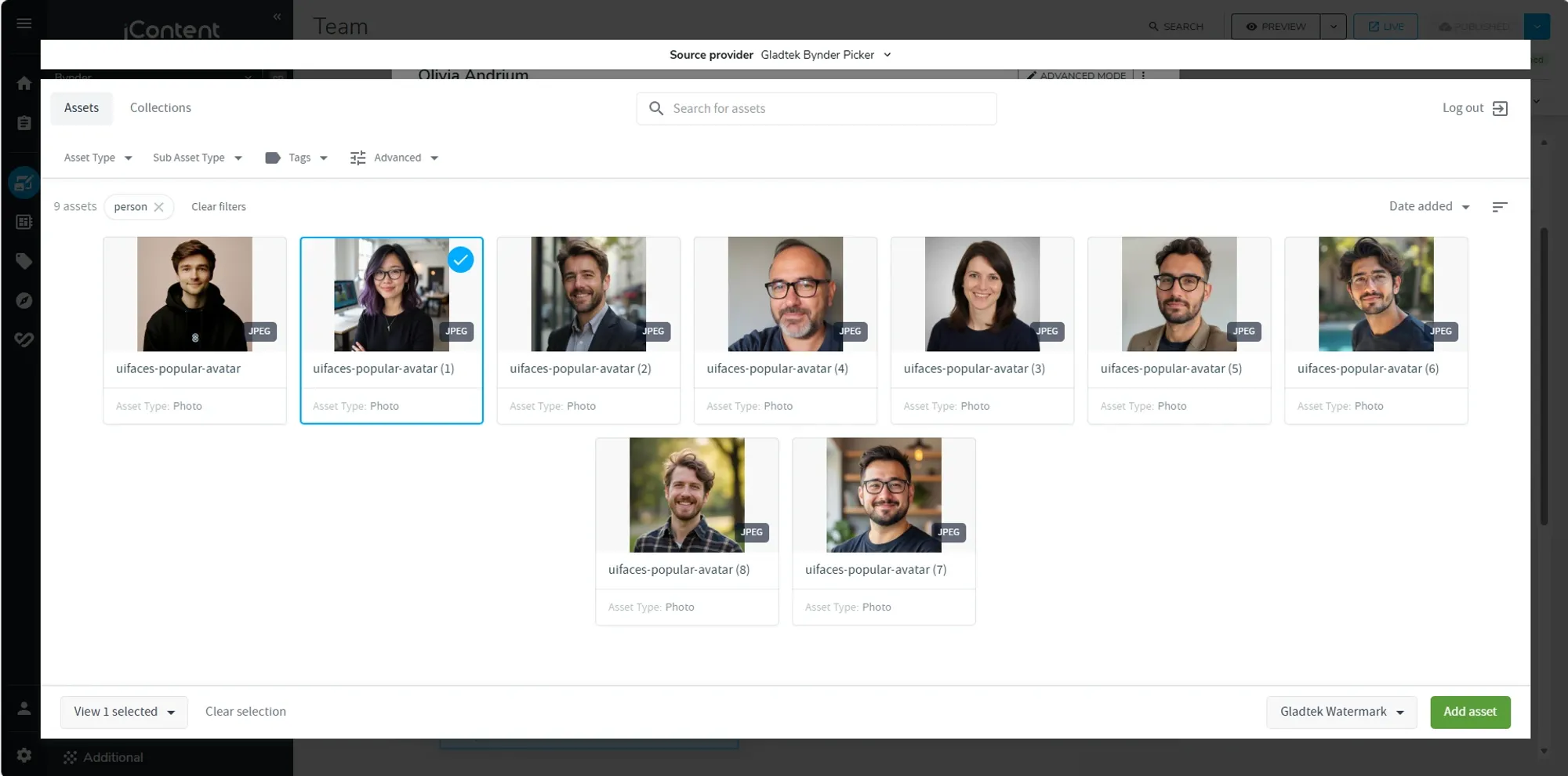
Assets Pickers

Configuration and Administration
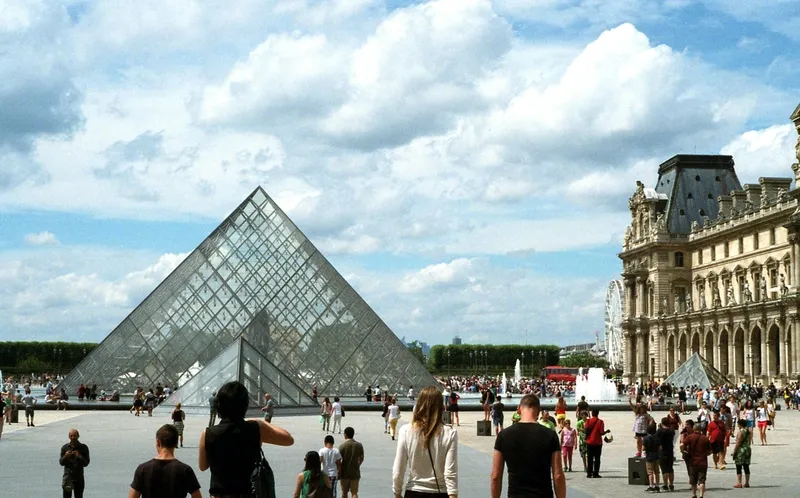
Use different versions of the same picture
Check with an example of applied DAT.
Have question? We’re here to help
Get answers to the general questions people have asked.
Overview & Scope
Connector Overview and Scope.
Asset Selection and Usage
Asset Selection and Usage.
Image Transformation and Delivery
Image Transformation and Delivery.
Specific Asset Support: Video and Audio
Specific Asset Support: Video and Audio.
Configuration and Customization
Configuration and Customization.
Help & Support
What type of support we provide.
Where can I get help?
We provide email support at support@gladtek.com
How do I report bugs?
Please report bugs by email to support@gladtek.com.
What is the primary function of the Connector?
The connector integrates the Bynder Digital Asset Management (DAM) system with Jahia CMS, allowing users to easily select and manage various assets like pictures, videos, audio, and files directly from Bynder's CDN within the Jahia environment.
What types of assets can I manage using this connector?
You can manage and pick Pictures, Videos, Audio files, and general files (like PDFs) from the Bynder DAM.
How do I select a picture from Bynder?
You can select a picture by editing a picture field inside a component in Jahia and choosing the Gladtek Bynder Provider for Jahia, which opens the Bynder DAM asset picker.
Can I add pictures within a rich text editor in Jahia using the connector?
Yes, the integration includes the ability to add pictures within a rich text editor using the Bynder DAM assets picker.
What is the default search for the file picker?
The default search for the general file picker is a document search.
Can I apply image transformations to the pictures I select?
Yes, you have three ways to apply transformations: 1. Using Bynder predefined presets. 2. Applying a list of transformations from the Bynder transformation list. 3. Using a different default derivatives when selecting the picture.
Where do the transformed pictures get served from?
The pictures, once transformed and saved, are served from the Bynder DAM CDN. Bynder does the transformations based on the choices you made, and it is applied in the generated URL.
Does the connector support Video assets?
Yes, there is a dedicated video picker that allows you to select, preview, and change video assets from the Bynder DAM.
Does the connector support Audio assets?
Yes, a Jahia audio picker was added that lets you select an audio file from Bynder. The connector comes with an audio file component example for Podcast/Music.
How do I manage the connector's configuration?,
You can manage the configuration, such as enabling or disabling transformations, button colors, and file Picker assets types within a dedicated settings screen included with the Gladtek Bynder Connector. You can also do the same in Karaf OSGI configurations.
How can I adjust which asset types are available for selection in the file picker?,
You can adjust the available asset types (pictures, videos, audios) within the Bynder Settings Panel by enabling/disabling one or more asset type icons.
Can developers customize the styling of the audio component?,
Yes, developers can adjust the styling of the audio component to suit specific business needs.